
E-Scheduling Interactive Job Board
Drag-and-drop digital job planning board for live operations floors
Replace the physical whiteboard with a large-screen interactive job board — drag-and-drop scheduling across resources or bays, colour-coded job types, real-time status, and automatic technician or operator allocation. Built for any environment that runs jobs against shared resources: workshops, kitchens, hospital wards, salons, repair counters.
Features
What's Included
Drag-and-Drop Job Planning
Floor managers reassign jobs between resources, bays, or operators by dragging tiles — every move syncs to all viewers and the job owner instantly.
Colour-Coded Job Types
Service categories, priority levels, or SLA tiers each get a distinct colour so the floor state is readable at a glance from across the room.
Real-Time Bay & Resource Status
Each lane reflects live status — available, in-progress, on-hold, awaiting parts — driven by events from operator apps and integrated systems.
Automatic Operator Allocation
Rule-based or skill-based routing assigns jobs to the right person automatically when an appointment lands or a job is released from queue.
Touch-Friendly Interactive Display
Designed for large interactive TVs and conference touch panels — taps, drags, and gestures all work without a mouse or keyboard.
Multi-View Modes
Switch between board, timeline, and list views without losing context — supervisors plan in board mode, operators check details in list mode.
Plans
Feature Comparison
See what's included at every level — each tier builds on the previous one.
| Feature | Basic | Advanced | Expert | Enterprise |
|---|---|---|---|---|
| Single-board drag-and-drop scheduling | ||||
| Colour-coded job tiles | ||||
| Basic resource and operator setup | ||||
| Manual job assignment | ||||
| Real-time multi-viewer sync | — | |||
| Auto-allocation rules by skill or load | — | |||
| Job filters and search | — | |||
| Touch-display optimised layout | — | |||
| Multi-board / multi-floor management | — | — | ||
| SLA timers and overdue alerts | — | — | ||
| Capacity heatmaps by hour and bay | — | — | ||
| Audit trail of every move and reassignment | — | — | ||
| Multi-branch board federation | — | — | — | |
| ERP and DMS data sync | — | — | — | |
| Custom workflow and rule engine | — | — | — | |
| Role-based access with delegated planners | — | — | — |
Basic
4 features- Single-board drag-and-drop scheduling
- Colour-coded job tiles
- Basic resource and operator setup
- Manual job assignment
- — Real-time multi-viewer sync
- — Auto-allocation rules by skill or load
- — Job filters and search
- — Touch-display optimised layout
- — Multi-board / multi-floor management
- — SLA timers and overdue alerts
- — Capacity heatmaps by hour and bay
- — Audit trail of every move and reassignment
- — Multi-branch board federation
- — ERP and DMS data sync
- — Custom workflow and rule engine
- — Role-based access with delegated planners
Advanced
8 features- Single-board drag-and-drop scheduling
- Colour-coded job tiles
- Basic resource and operator setup
- Manual job assignment
- Real-time multi-viewer sync
- Auto-allocation rules by skill or load
- Job filters and search
- Touch-display optimised layout
- — Multi-board / multi-floor management
- — SLA timers and overdue alerts
- — Capacity heatmaps by hour and bay
- — Audit trail of every move and reassignment
- — Multi-branch board federation
- — ERP and DMS data sync
- — Custom workflow and rule engine
- — Role-based access with delegated planners
Expert
12 features- Single-board drag-and-drop scheduling
- Colour-coded job tiles
- Basic resource and operator setup
- Manual job assignment
- Real-time multi-viewer sync
- Auto-allocation rules by skill or load
- Job filters and search
- Touch-display optimised layout
- Multi-board / multi-floor management
- SLA timers and overdue alerts
- Capacity heatmaps by hour and bay
- Audit trail of every move and reassignment
- — Multi-branch board federation
- — ERP and DMS data sync
- — Custom workflow and rule engine
- — Role-based access with delegated planners
Enterprise
16 features- Single-board drag-and-drop scheduling
- Colour-coded job tiles
- Basic resource and operator setup
- Manual job assignment
- Real-time multi-viewer sync
- Auto-allocation rules by skill or load
- Job filters and search
- Touch-display optimised layout
- Multi-board / multi-floor management
- SLA timers and overdue alerts
- Capacity heatmaps by hour and bay
- Audit trail of every move and reassignment
- Multi-branch board federation
- ERP and DMS data sync
- Custom workflow and rule engine
- Role-based access with delegated planners
Use Cases
Where This Module Fits

Automotive workshops and service bays
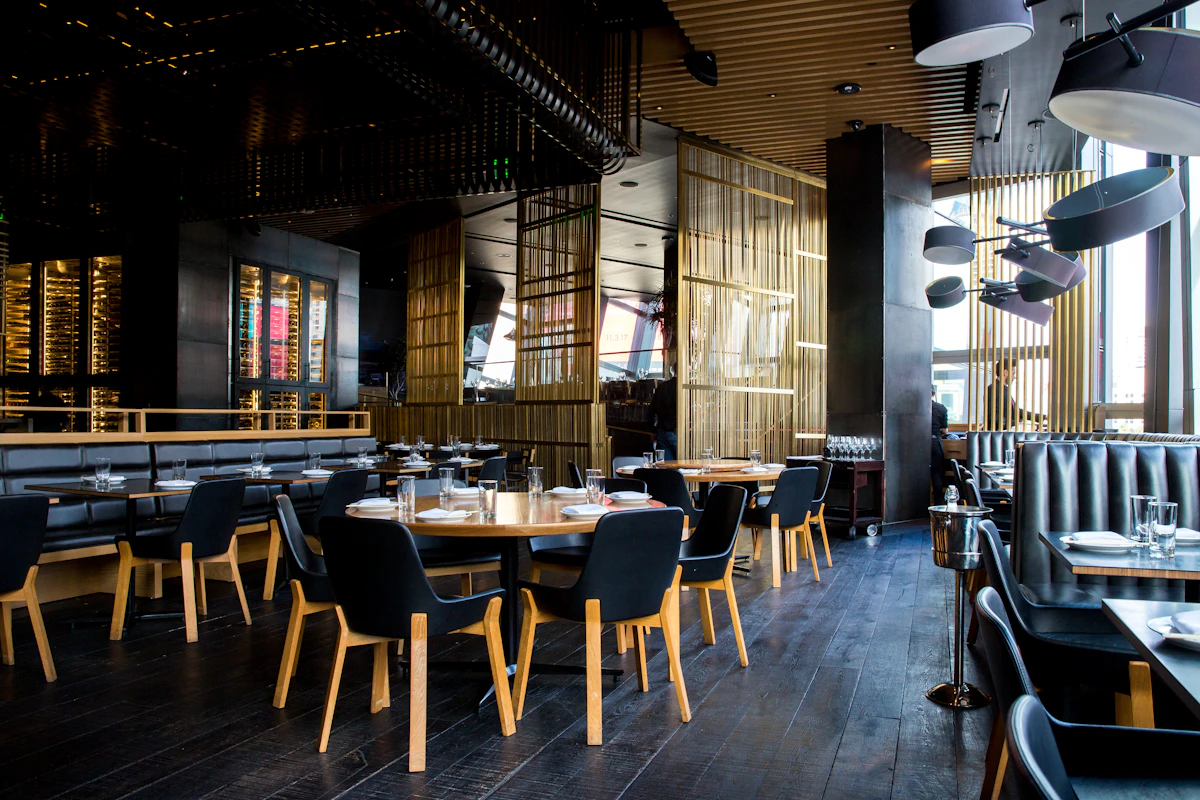
Restaurant kitchens and ticket dispatch
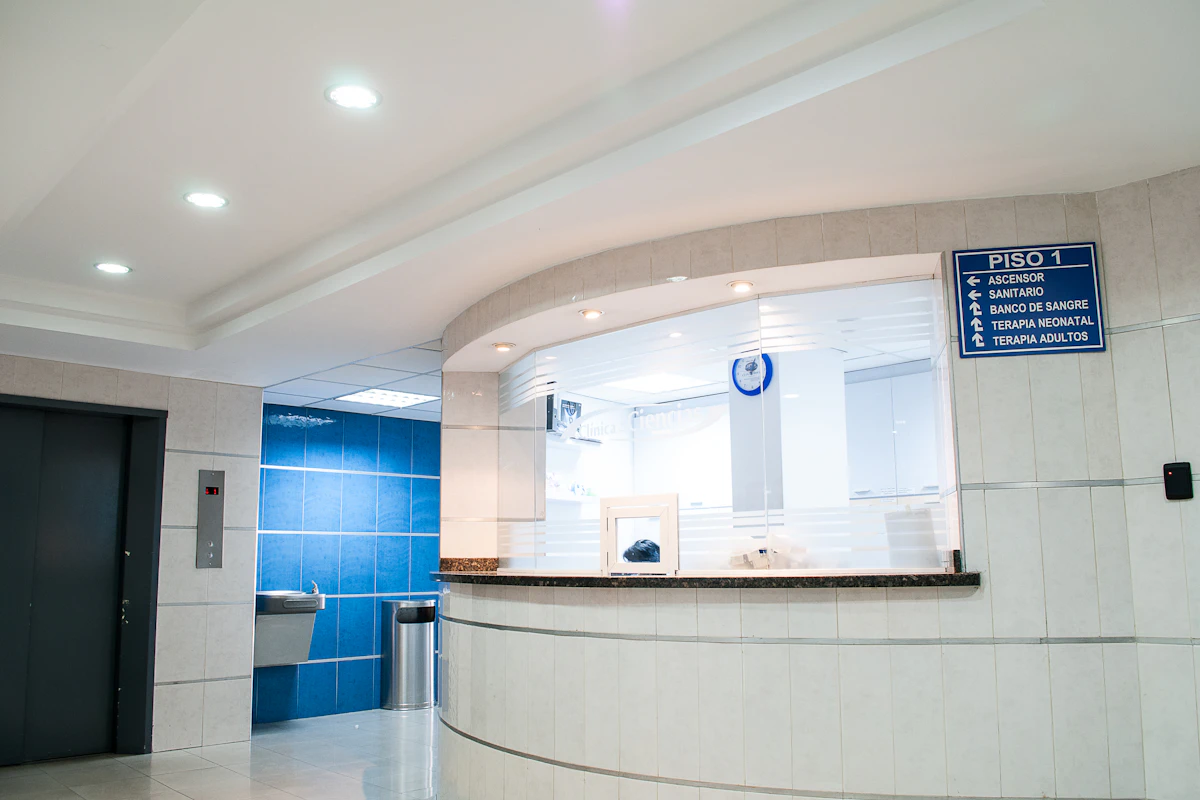
Hospital ward bed and procedure planning

Hair salons, spas, and barbershops

Phone, watch, and device repair counters
Technology
Built With
Production-grade technologies trusted by enterprises worldwide.


Related Modules
Works Well With

Appointment & Scheduling
Smart booking with waitlists, rescheduling, visual calendars, and customizable time slots

Queue Management System
Virtual queue with ticket dispensing, estimated wait times, counter assignment, and display screens

Approval Workflow Engine
Configurable multi-step approval chains with escalation, delegation, and SLA timers
Have a project in mind?
Let's discuss how we can build a custom solution tailored to your needs.
Get a Free Consultation